
The checker
It looks at the blocks of your world and tells what is missing, what is wrong, what is in the way.
Turn it on
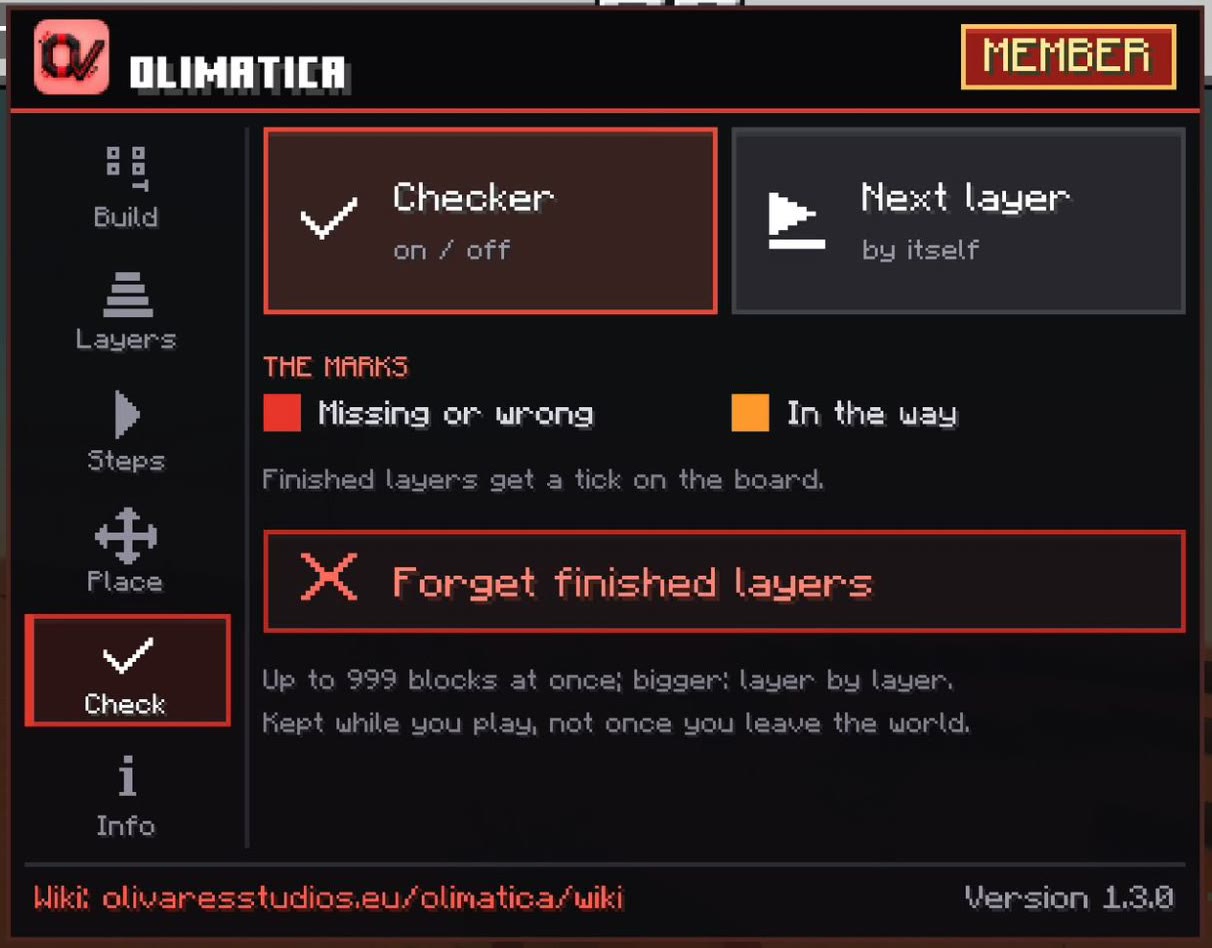
The Check tab, or the checker of the touch bar. It checks the layer or the step shown: go to a layer first. The whole build, or a step, is checked at once when it has up to 999 blocks; bigger, layer by layer.
The marks
- Red: a block is missing, or it is not the right one.
- Orange: a block should not be there: next to the layer's blocks, or what a step digs out or takes away.
- A mark goes as soon as the right block is there.
The board
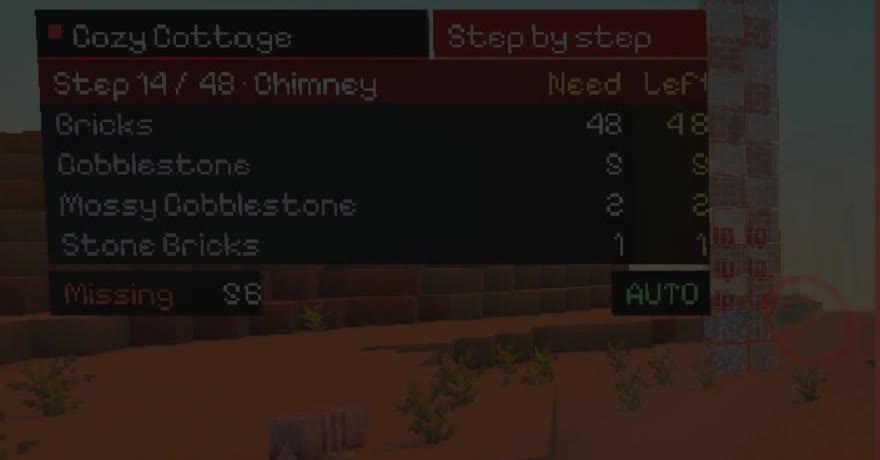
| It says | Because |
|---|---|
| Missing N | N red marks are left |
| Extra N | N orange marks are left |
| Left | What is left to place, material by material |
| All placed | Nothing missing, nothing in the way |
| Checking... | It starts again, a moment after a move |
| Pick a layer or a step to check | This view has more than 999 blocks: check it layer by layer |
The next layer by itself
Finish the layer you check: a sound, the layer counts as finished, and the next one comes a moment later (the last layer: another sound, the build is done).
It moves on only when you finish the layer while it watches: going back to a finished layer does not send you forward. Next layer by itself (Check tab) turns it off and on; AUTO on the board says it is on.
Layers finished
The checker remembers the layers it found complete, build by build: Layers finished on the board, and ✓ This layer. The Next layer button still goes through all of them, finished or not.
It keeps them while you play: leaving the world, or going far enough for the projector to unload, forgets them. Forget finished layers (Check tab) starts the build again.
What it does not see
- How a block is turned or its states (a slab on top or below, a door open, waterlogged): only the kind of block.
- Water and lava count still or flowing.
- Up to 999 blocks and 500 cells that should be air at once.
- Only the nearest projector checks.
CarefulHundreds of marks at once can slow a phone down: turn the checker off when you do not need it.