
Layers and steps
Build the whole thing at once, layer by layer, or step by step in the order we built it.
The whole build
At first the whole build shows. Whole build, in the Build, Layers and Steps tabs, comes back to it.
Layer by layer
Layer up and down go through the build's layers, from the lowest (foundations, in the ground) to the top. The first press of up starts at the bottom, of down at the top. The layer you build is bright, the other layers shown are faint, in their colours. Mode chooses which other layers show: a button each in the Layers tab, next mode on the bar at the top. The board says the mode in use.
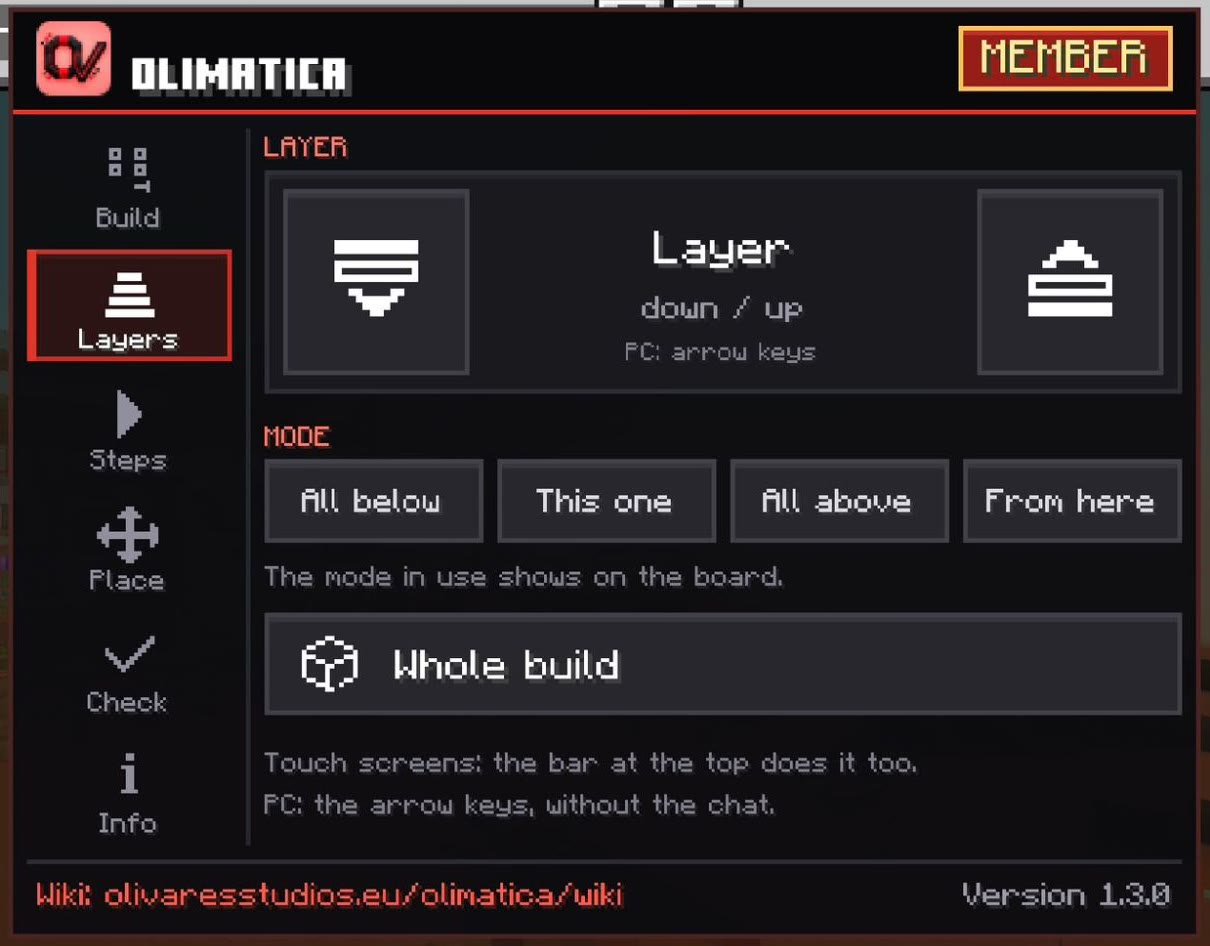
| Mode | Shows |
|---|---|
| All below | This layer and the ones under it (the first mode) |
| This one | Only this layer (the board: This layer only) |
| All above | This layer and the ones over it: what rests on it |
| From here | From the layer you are on up to the one you go to: go to the first one, choose From here, then go up (the board: From layer N) |
Step by step
Steps are the build in the order we made it, the steps of its video. The step you build is bright, the steps before faint. Red is what this step digs out of the ground, or takes away (a scaffolding an earlier step put up).
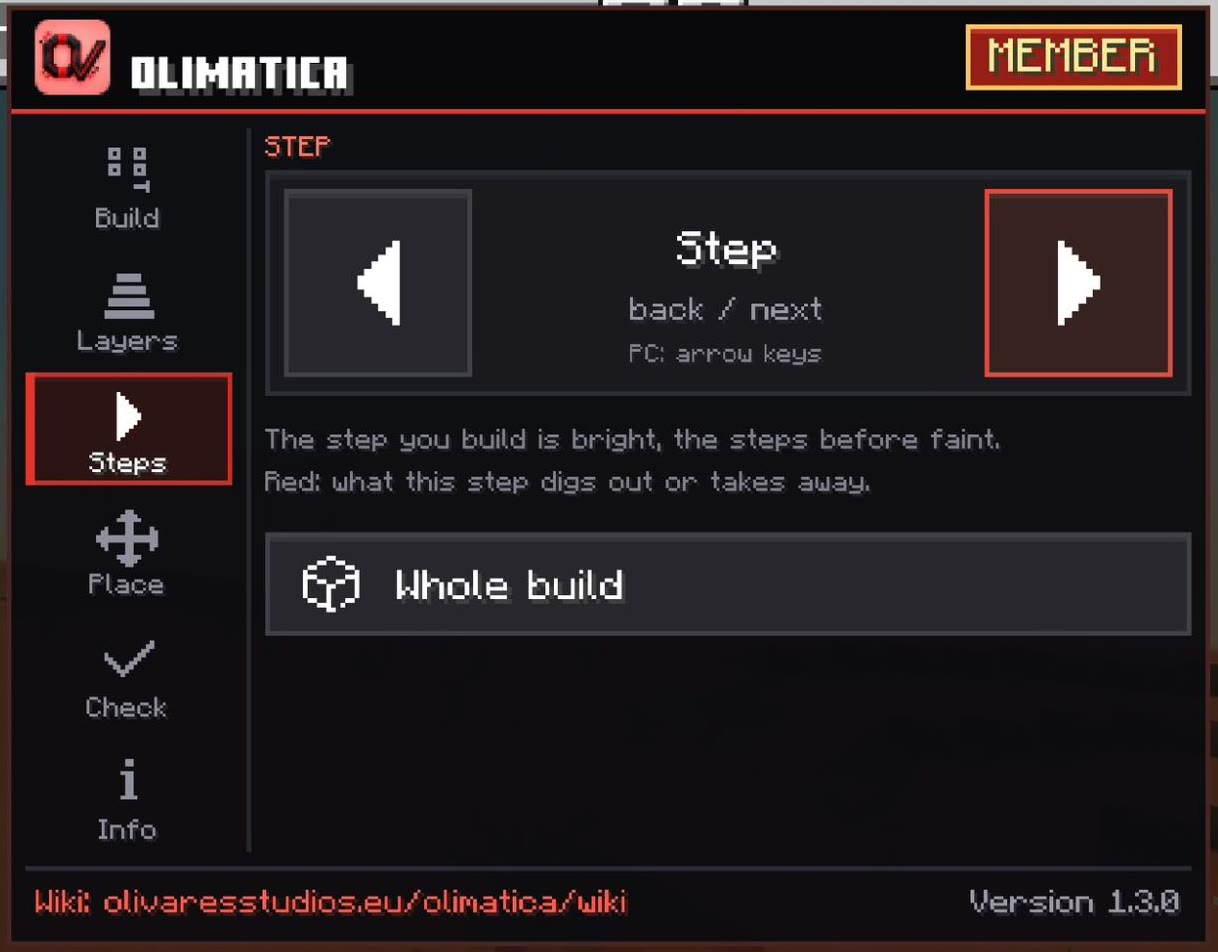
Your own structures have one step: the whole build. Build them layer by layer.
Opacity
Five levels, from 30 % to 90 % (60 % at first): a button each in the Build tab. What is faint follows it.
Good to know
- Ghost blocks are a little smaller than a block: a real block in their place hides them, so what is left to place stands out.
- Each time it appears, the hologram rises layer by layer.
- What is faint is drawn in boxes of its colours, lighter for your game.