OLIMATICA GUIDE
Menu and controls
The menu of the chat, the bar of touch screens, the arrow keys of PC, and the armor stand's tricks.
The menu
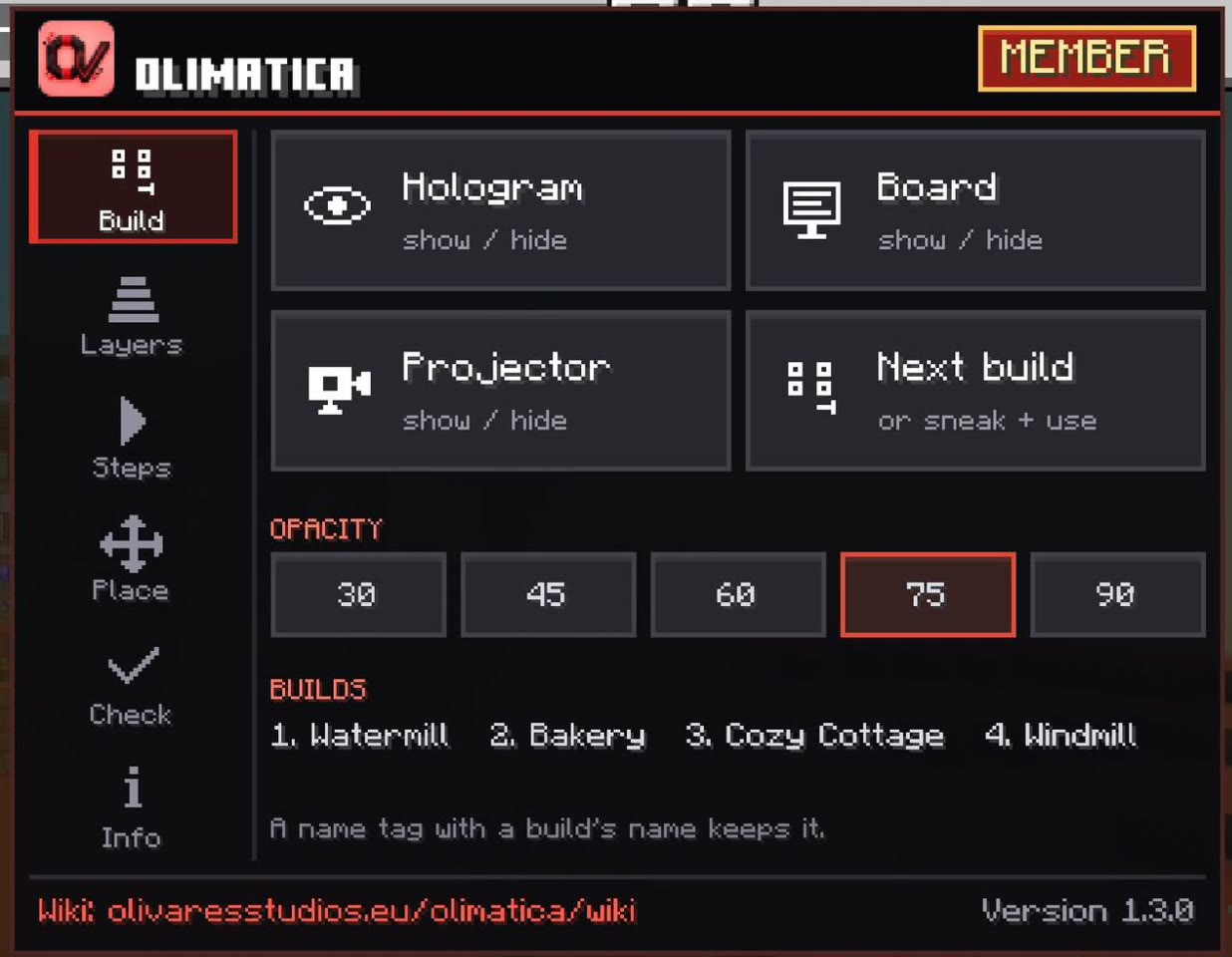
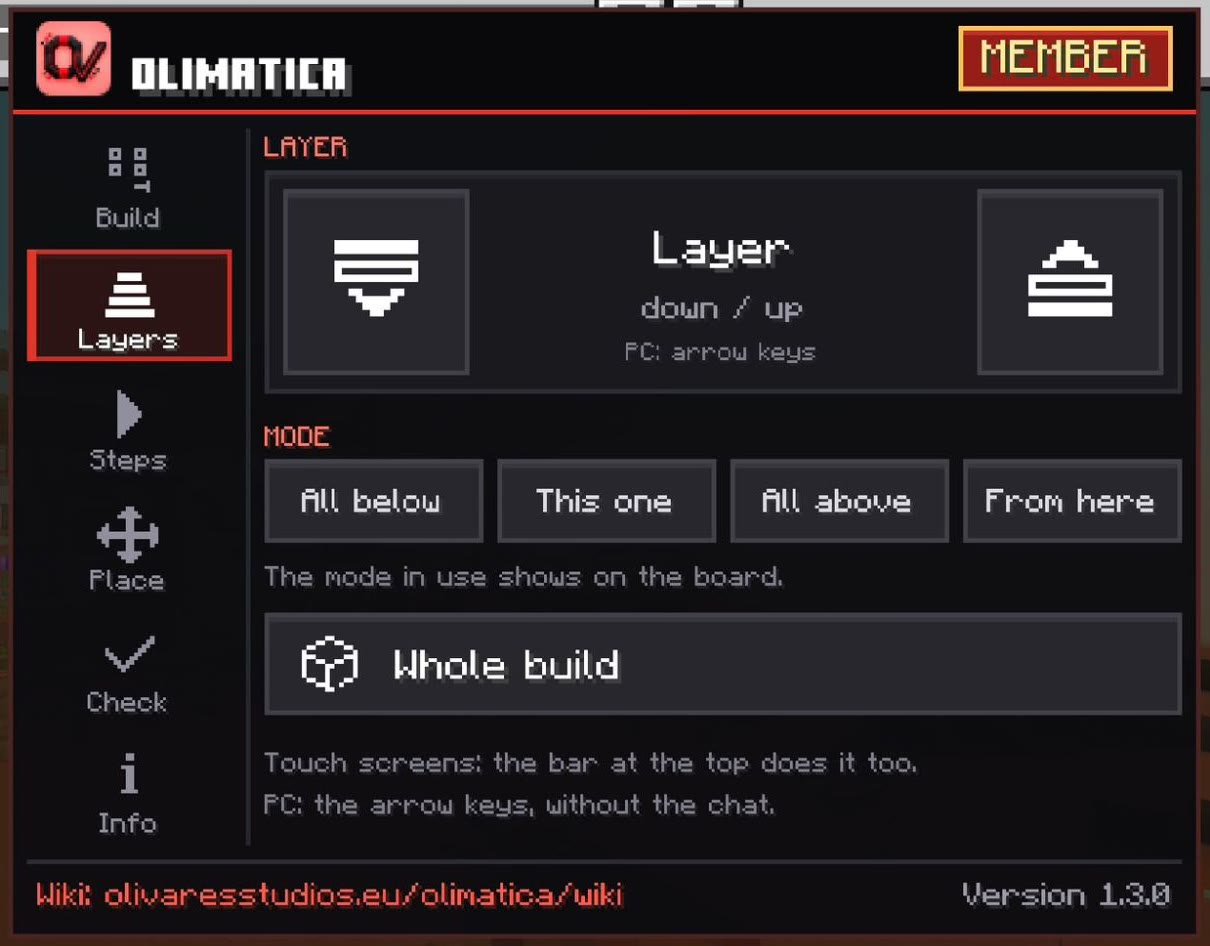
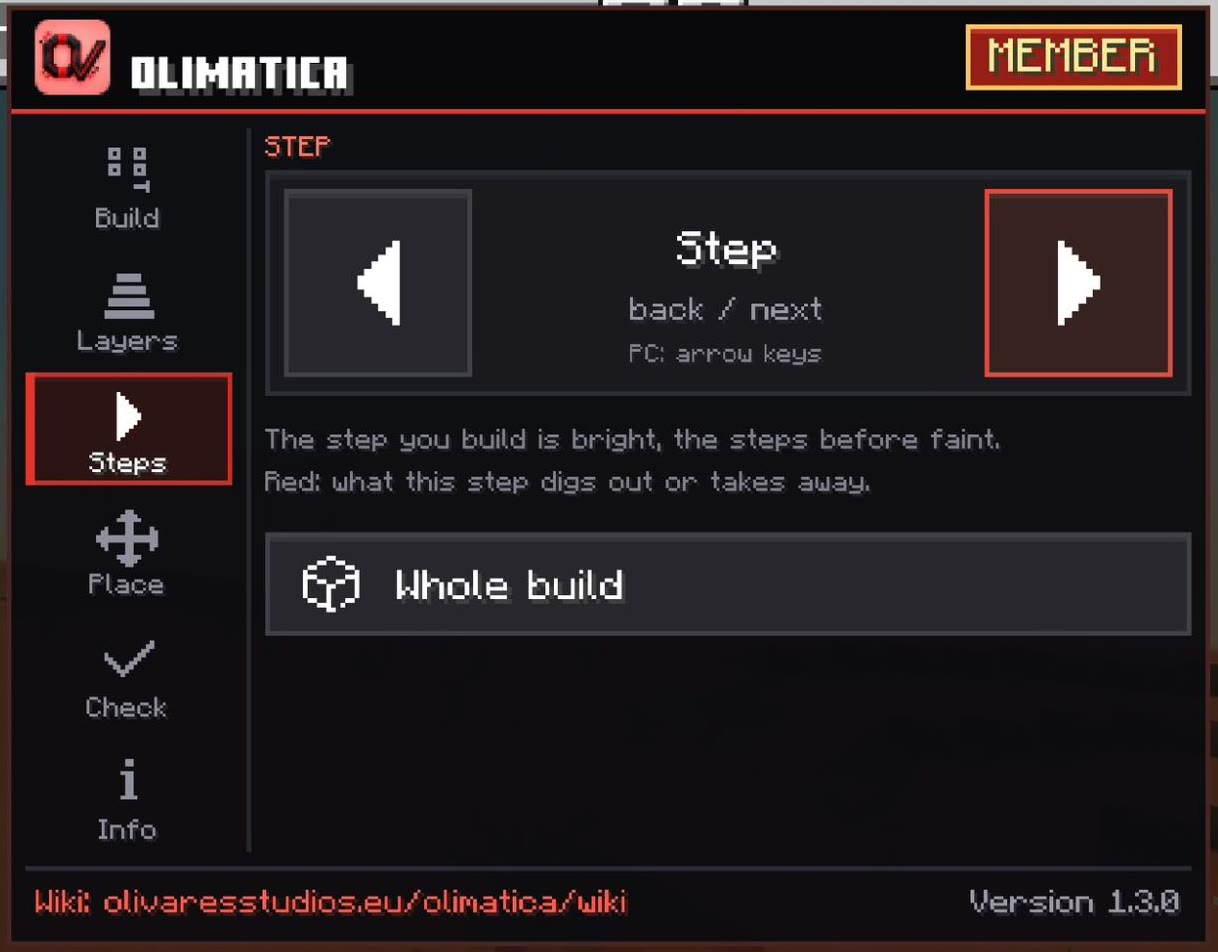
Open the chat: the OliMatica button sits next to the settings button. The menu's tabs are down its left side. It acts on the nearest projector, up to 48 blocks away; close the chat to see what changed.
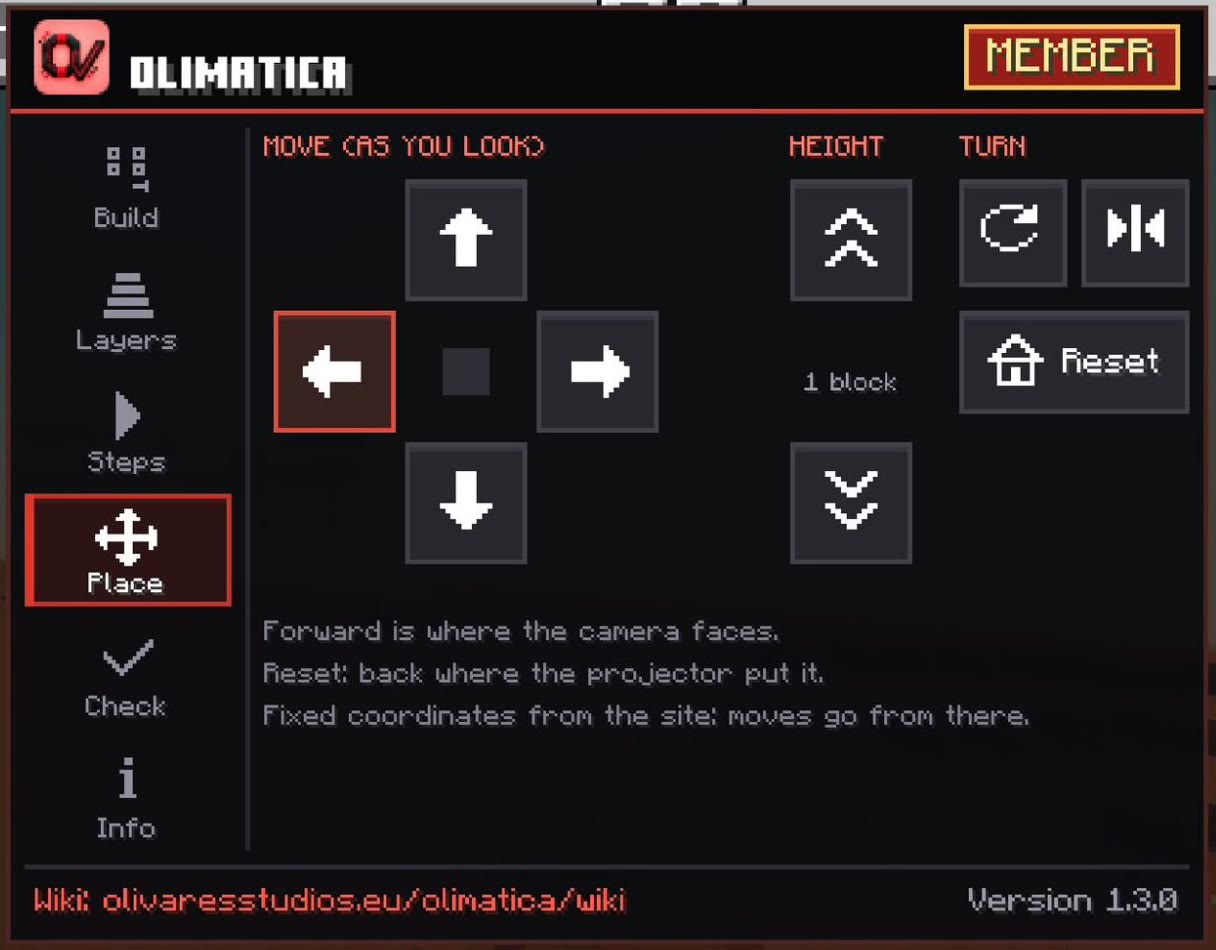
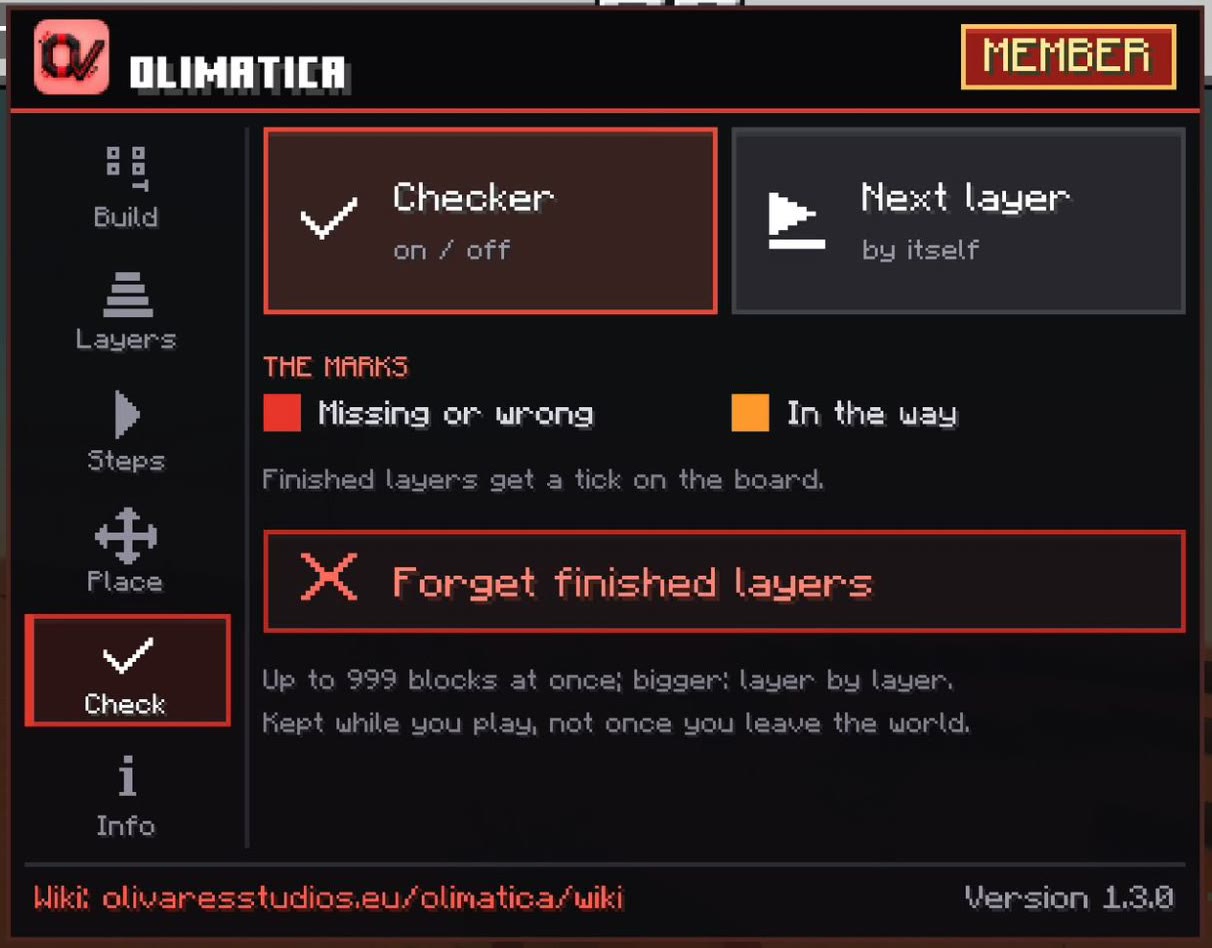
| Tab | Its buttons |
|---|---|
| Build | Show / hide: the hologram, the board, the projector · Next build · Opacity: 30 %, 45 %, 60 %, 75 %, 90 % |
| Layers | Layer down / up · Mode: All below, This one, All above, From here · Whole build |
| Steps | Step back / next · Whole build |
| Place | Move forward, back, left, right (as you look) · Height up / down · Turn · Mirror · Reset |
| Check | Checker on / off · Next layer by itself · Forget finished layers |
| Info | How to start, the materials of each build (and in stacks) |
At the bottom of every tab: the address of this wiki and the version of the pack.
Touch screens
An OliMatica button at the top of the screen, left of the game's buttons, opens a bar of two pages; touch it again to close the bar. It stays as you left it, page and all, while you play.
| Page | Its buttons |
|---|---|
| BUILD | Layer: down, up, next mode · Step: back, next · View: whole build, show / hide · Checker |
| PLACE | Move: left, forward, back, right (as you look) · Height: up, down · Turn, mirror · Reset |
Under the bar, a bubble says what each press did. PLACE moves the hologram while you watch it, without the chat.
PC: the arrow keys
While you play, with nothing open:
| Key | What it does |
|---|---|
| ↑ ↓ | Layer up / down |
| ← → | Step back / next |
The armor stand
- Sneak and use it (empty hand): the next build of the pack, in the order of the pack. It changes the armor stand's pose: the game keeps it, so the projector keeps its build.
- Name it with a name tag, with the name of a build of the pack (as the site writes it, all small letters, or all capitals): it shows that build, whatever its pose.
- Take its item back: an armor stand again. Give it back: the hologram comes back where it was.